Petro's Articles


Choosing the Best Computer for Wedding Video Editing
A slow machine turns a wedding edit into a waiting game, especially once you’re color grading off the original 4K files instead of proxies. This guide walks through how to spec a computer that keeps up, on either Mac or PC, and what really matters in the processor, GPU, RAM, and storage. What makes a…


Track Club Review: Making Creative Wedding Videos Sound Amazing
Track Club, run by Marmoset, joined Bride&Groom.video’s rotation next to Musicbed and Audiio, and its MixLab customizer is the reason. The tool lets you nudge a song’s tempo, mute or solo instruments, and pull individual stems to build your own mix, demonstrated here by reworking a track for a real highlight. Licensing keys ship with…


How To Send Large Video Files With Dropbox
Dropbox is the cloud storage service that we use to work with clients, as it’s the smartest workspace ever to store and share video files. This service is very user-friendly. Even a beginner can figure out everything in a matter of minutes. However, when it comes to uploading files, some people can find it rather…
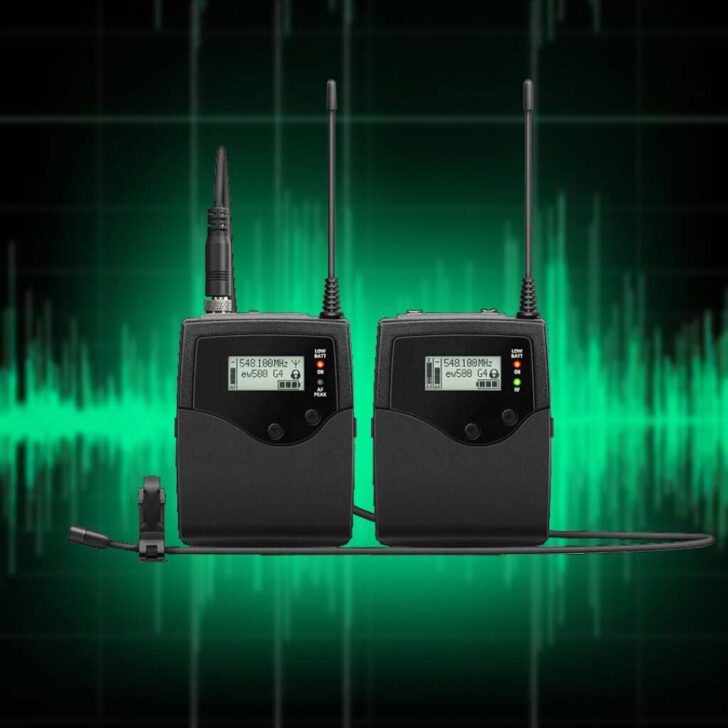
High-Quality Audio for Wedding Films: From Recording to Post-Production
Clean sound on the day buys a smoother edit later, the angle this piece takes on capturing wedding audio. It points to dedicated recorders such as the Tascam X8 or Zoom H5 and H6, wireless mics like the Rode Wireless GO and DJI Mic, and recording in 32-bit WAV so clips that arrive too loud…
Sound in Wedding Video: Best Audio Plugins and AI Tools
A quiet, muffled, or wind-distorted voice can be salvaged, and Bride&Groom.video offers two plugin chains in Adobe Audition for this purpose: the standard Chain A for clean audio and the more robust Chain B for noisy or ambient audio. Both start with a high-pass filter on Pro-Q 4, stabilize the dynamics with a compressor (Pro-C…
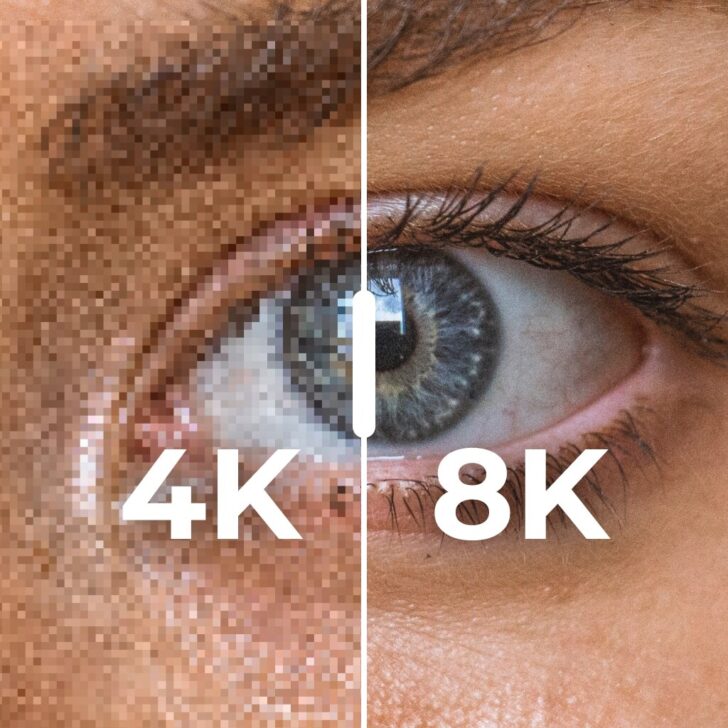

From 4K to 8K: What Really Makes Sense in 2026
Looking to capture the magic of a wedding day in breathtaking detail? In this post, we explore why 8K is the future of wedding videography and provide insights on how to adopt this technology right away to create unforgettable wedding films.

AI Tools For Wedding Video Editing in 2026
Discover how AI is reshaping wedding films—faster edits, stunning results. Is it the future, and can it replace a pro? Find out!

How to Create an Epic Showreel for a Wedding Filmmaker
A showreel (also called a demo reel) is the 1-to-3-minute sizzle piece that sells a wedding videographer’s work to couples who won’t sit through full films, and this post explains what sets it apart from a teaser or highlight: more energy, faster cutting, and clips pulled from several weddings. Bride&Groom.video then maps out how it…
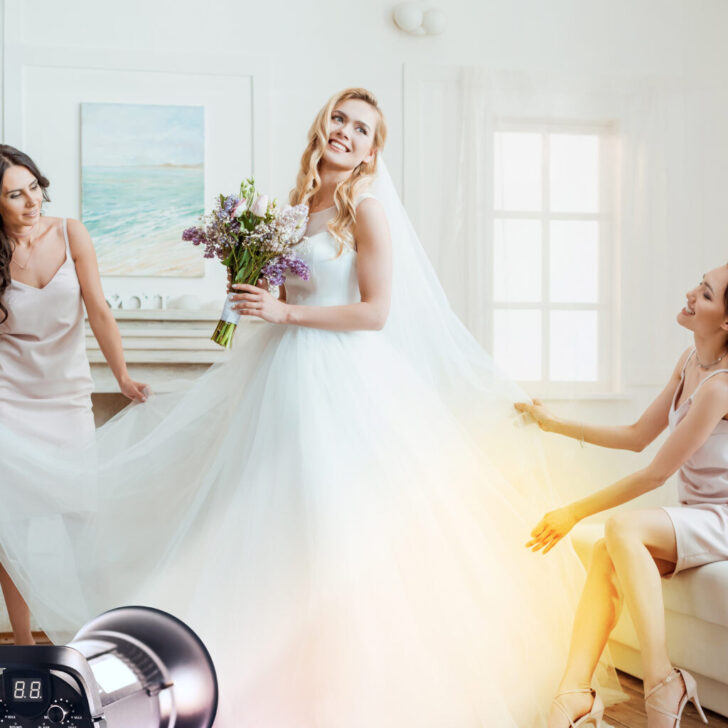

The Ultimate Guide To Wedding Videography Lighting
Good light is the real engine behind cinematic footage, and this thorough guide, made with TLIC Media, gets specific about achieving it. It maps lighting setups for the moments that matter most, letter readings, first looks, speeches, with versions for rooms blessed with window light and for cramped spaces without it. Each scheme spells out…


Wedding Video Color Correction Magic
Watch lead editor Petro take a real S-Log3 clip from a Sony FX3 and correct it in DaVinci Resolve, step by step. The process moves through nodes, a Color Space Transform to take log to Rec.709, noise reduction, white balance and exposure, a hand-built vignette, and tracked masks that rein in overexposed skin. A clear…


What is LUT and What is Its Role in the Editing Workflow?
New to LUTs? This one starts from scratch, explaining what a Look-Up Table is and where it slots into a color workflow. It shows how a LUT can convert log footage to a standard color space or stamp a stylized mood on a shot, untangles 1D versus 3D LUTs, and notes how one shared LUT…


Vows and Speeches in Wedding Highlights
Spoken words carry much of a wedding film’s emotion, which is why vows and speeches get their own deep treatment here. After explaining the role of each, the post turns hands-on: a three-camera setup for letter readings and the ceremony, with focal lengths and a job for every camera (medium, close-up, wide), plus reminders to…