Video Editing
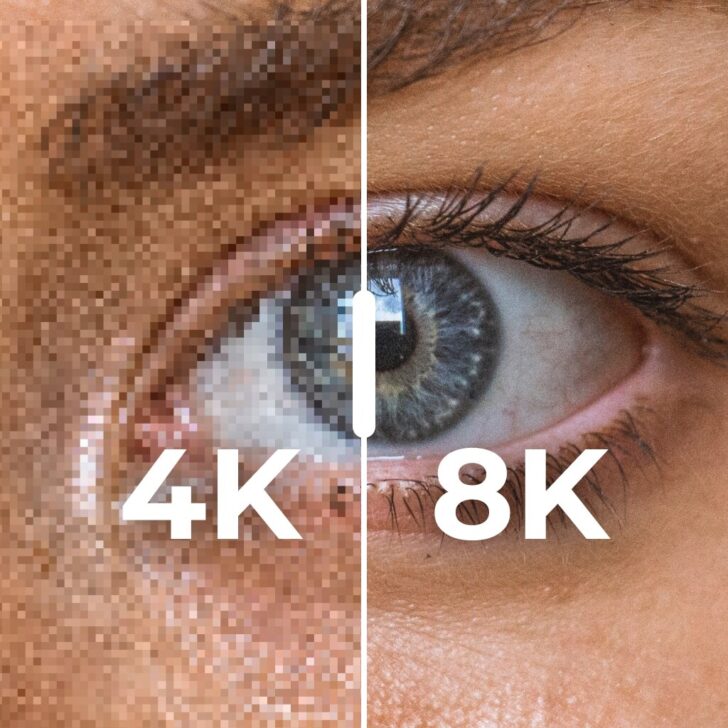

From 4K to 8K: What Really Makes Sense in 2026
Looking to capture the magic of a wedding day in breathtaking detail? In this post, we explore why 8K is the future of wedding videography and provide insights on how to adopt this technology right away to create unforgettable wedding films.

AI Tools For Wedding Video Editing in 2026
Discover how AI is reshaping wedding films—faster edits, stunning results. Is it the future, and can it replace a pro? Find out!

How to Create an Epic Showreel for a Wedding Filmmaker
A showreel (also called a demo reel) is the 1-to-3-minute sizzle piece that sells a wedding videographer’s work to couples who won’t sit through full films, and this post explains what sets it apart from a teaser or highlight: more energy, faster cutting, and clips pulled from several weddings. Bride&Groom.video then maps out how it…
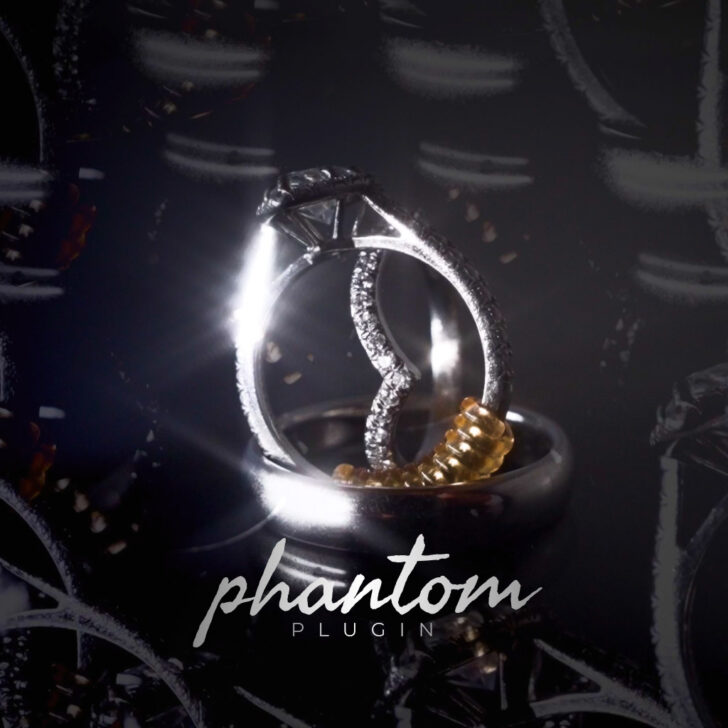

Phantom Plugin: A Tutorial for Video Duplication Effects
Want to create a stunning ghost-like duplication effect in DaVinci Resolve or Premiere Pro—without hours of editing? This plugin does it for you!


The Guide to Styles of Wedding Videography: How We Match Clients’ Style
How does an editor nail a filmmaker’s look on the first try? It starts with a brief, sample films, music and color references, export specs, which this post explains before splitting wedding work into three styles: cinematic (fast, dynamic, emotion over plot), documentary (chronological storytelling built on vows and speeches), and artistic (epic, music-led, common…


Wedding Video Color Correction Magic
Watch lead editor Petro take a real S-Log3 clip from a Sony FX3 and correct it in DaVinci Resolve, step by step. The process moves through nodes, a Color Space Transform to take log to Rec.709, noise reduction, white balance and exposure, a hand-built vignette, and tracked masks that rein in overexposed skin. A clear…


What is LUT and What is Its Role in the Editing Workflow?
New to LUTs? This one starts from scratch, explaining what a Look-Up Table is and where it slots into a color workflow. It shows how a LUT can convert log footage to a standard color space or stamp a stylized mood on a shot, untangles 1D versus 3D LUTs, and notes how one shared LUT…

What is the Difference Between a Wedding Feature Film and Full Documentary Video
Not sure which wedding video type suits you best? Discover the key differences and pick the perfect way to relive your big day!


How We Edit Stunning Wedding Films in 15 Different Languages
Do you film weddings where the couple and guests do not speak English? Are you worried about whether your video editing partner will be able to properly work with speeches and make wonderful films for such a wedding? For Bride&Groom.Video, this is no longer a problem – we have become multilingual. Whatever original language the…
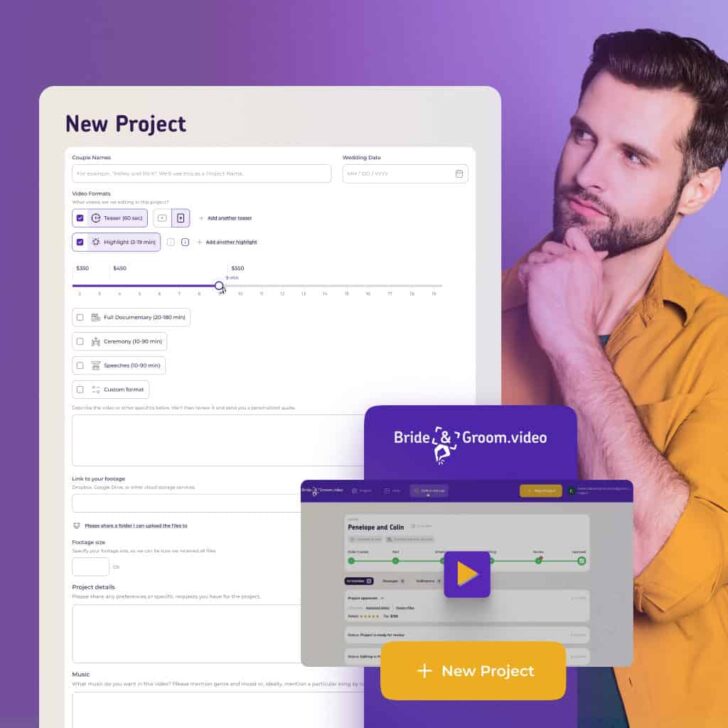

Order wedding video edits in Bride&Groom.video Client Area
Filling each field in correctly heads off a round of back-and-forth, so the order form gets a walkthrough box by box. It demystifies the format options (teaser, highlight, full film, ceremony, speeches, custom), how to send footage through Dropbox, and why footage size, camera model, picture profile, music notes, and software preference all steer the…

15 Best Techniques and Effects for Editing Cinematic Wedding Videos
Fifteen editing moves borrowed straight from cinema, that’s what gives Bride&Groom.video’s wedding films their polish, and each gets unpacked with a video example. The list runs through shot sequencing, over-the-shoulder framing, match cuts on light, motion, and color, the Kuleshov effect for emotional beats, and composition staples like the rule of thirds. For videographers and…
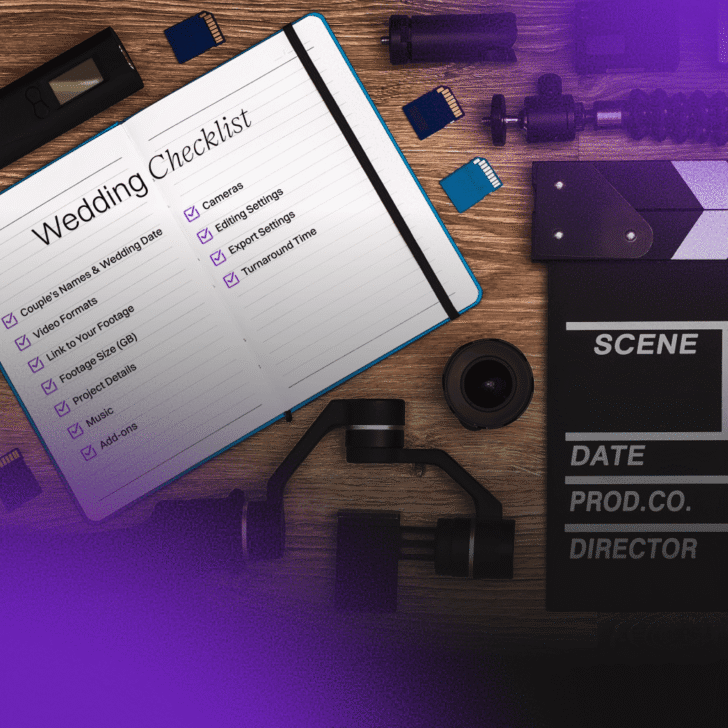
The Wedding Video Editing Checklist: How It Helps
As wedding films lean harder into creative highlights and teasers, a checklist is what keeps the project from sliding into chaos. The eleven sections Bride&Groom.video tracks get a run-through, from couple’s names and footage links to formats, music, cameras, and editing and export settings, right down to turnaround. The payoff is fewer slip-ups, clearer communication,…